GIF Generator AISay what should move. Get a GIF, a sticker or an emoji.
GIF Generator AI is a GIF generator that starts from a sentence instead of a video. Describe the motion, pick a size and a style, and OpenAI’s GPT-Image-2.6 draws every frame of a looping GIF in seconds. Choose a 720 px GIF for chats and posts, or a 320 px sticker GIF with a transparent background that fits Discord’s emoji and sticker limits. Need something still? The same box makes PNG images and transparent stickers too.
- Transparent backgrounds
- Sized for Discord
- Failed generations refunded
transparent ✓ under 256 KB ✓
Try the GIF generator
1Describe what moves
One subject and one action that repeats (waving, bouncing, blinking) loop best. Words go in quotes. No real people, celebrities or brand characters.
2Pick a style
What's new
- Launch: looping GIFs, transparent 320 px sticker GIFs, PNG stickers and Discord formats, on GPT-Image-2.6 Flare (Standard) and Sunburst (HD).
What this GIF generator makes
Looping GIFs
8 to 16 frames at 720 px, square, portrait or landscape. A small scene that plays on repeat anywhere a GIF plays.
Sticker GIFs
320 x 320 with a transparent background and a white die-cut edge, so the subject floats on any chat theme.
Emoji for Discord
Bold, simple 8-frame emoji that read at chat size and stay under Discord’s 256 KB emoji limit.
Stills and PNG stickers
One sharp 1024 px PNG, with a transparent background when you want one: for print, slides or an avatar.
| Format | Size | Frames | File size | Credits | Best for |
|---|---|---|---|---|---|
| Looping GIF | 720 x 720, 576 x 864 or 864 x 576 | 8, 12 or 16 | about 1-4 MB | 3 Standard / 6 HD | Chats, posts, websites, email |
| Sticker GIF | 320 x 320, transparent | 8, 12 or 16 | about 160-210 KB at 8 frames, 250-390 KB at 12 | 1 Standard / 2 HD | Discord emoji and stickers, Slack, overlays |
| Still image or PNG sticker | 1024 x 1024, 1024 x 1536 or 1536 x 1024 | - | about 1-2 MB PNG | 1 Standard / 2 HD | Printable stickers, thumbnails, avatars |
Making a pack for a server? The AI sticker generator sets the die-cut look for you, and the Discord GIF maker has one-tap presets for emoji, stickers, reactions and avatars.
GIF generator examples
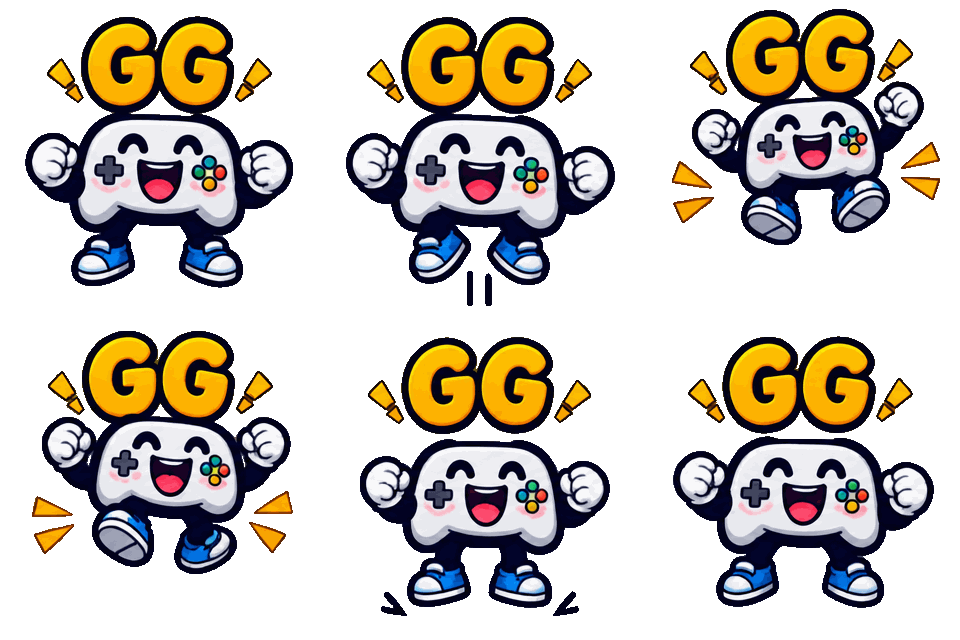
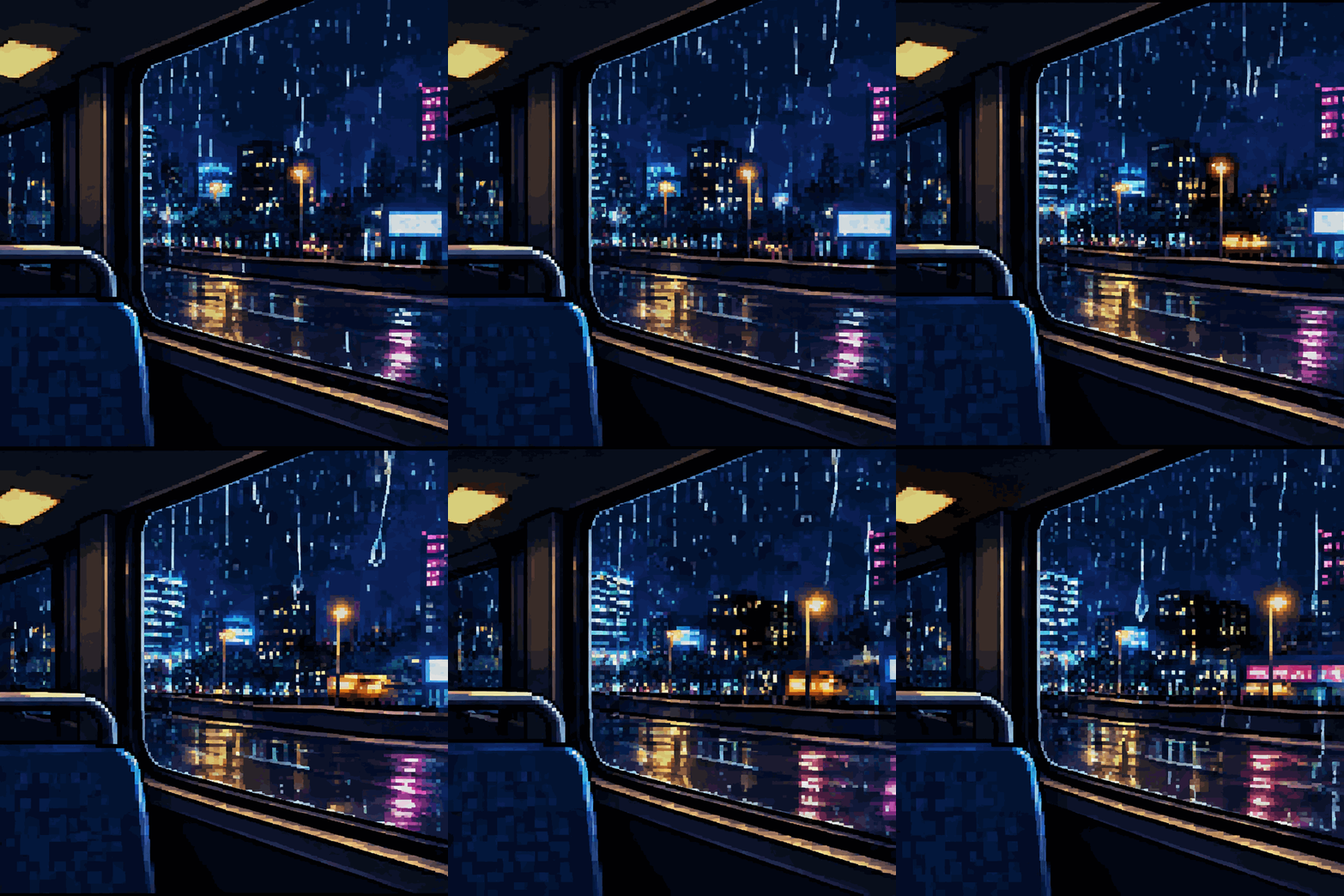
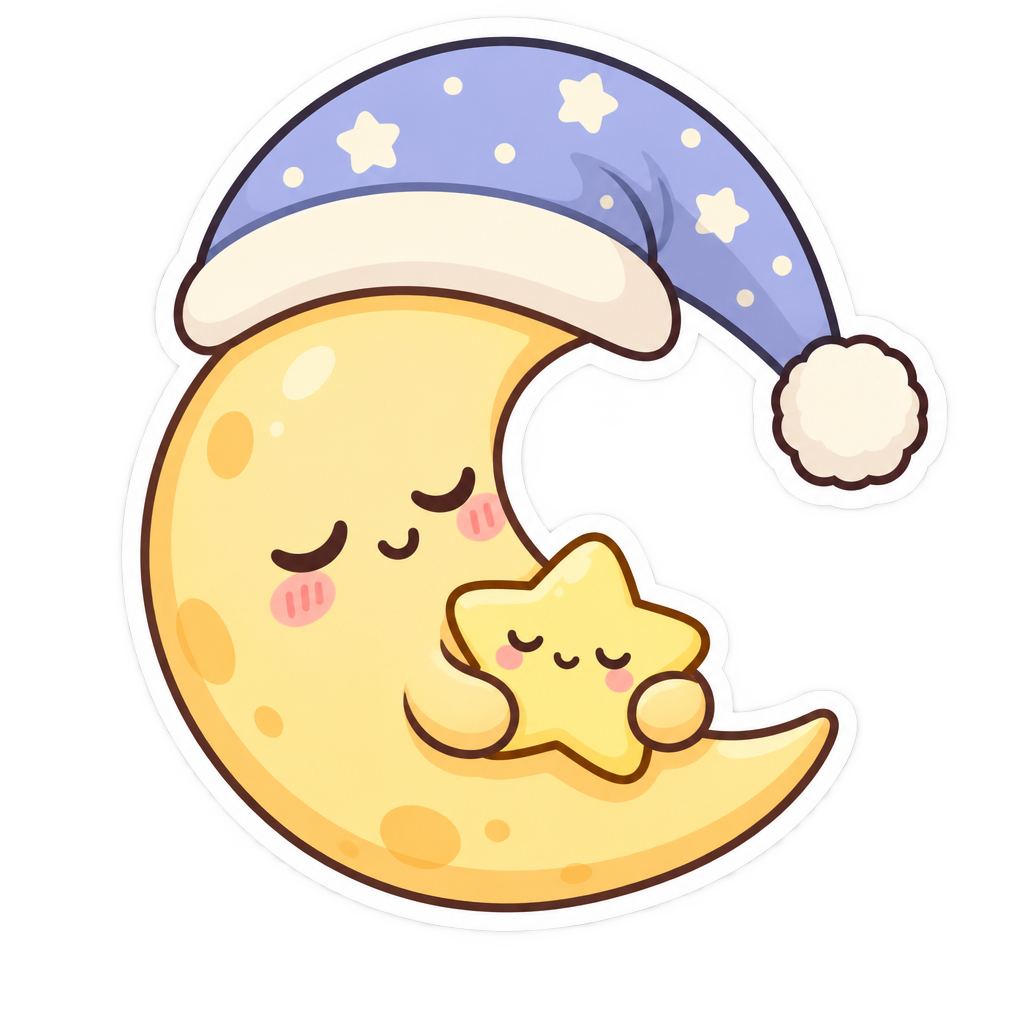
Made with this generator and GPT-Image-2.6 from the prompts and styles shown, with no editing afterwards. The checkerboard shows where the background is transparent.
 Sticker GIF
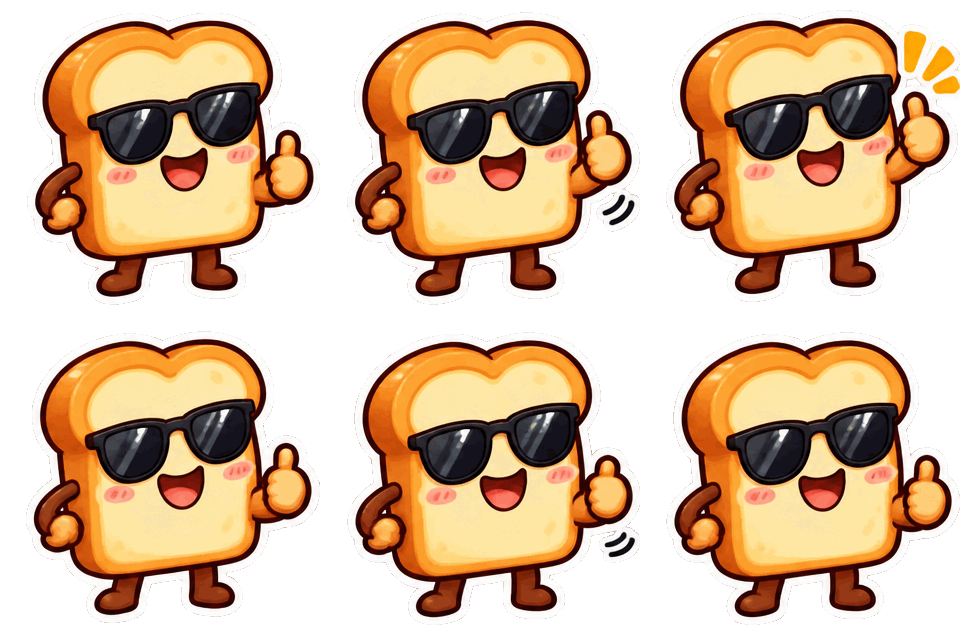
 Sticker GIF
 GIF
 PNG sticker
A GIF generator that draws, not converts
Most GIF makers turn a clip you already have into a GIF: you upload a video, trim it and export. This GIF generator works the other way round. You write what should happen, and an image model draws each frame from scratch, so the GIF can show a scene nobody filmed: your server’s mascot, a dancing taco, a sleepy moon in a night cap.
Under the hood it runs GPT-Image-2.6, the image model OpenAI released on November 4, 2026 with animated GIF as a native output. It draws all frames in one pass, which keeps the character, colors and outline steady from frame to frame.
Each file costs credits from a one-time pack (see GIF generator pricing), and a generation that fails is refunded under our refund policy. Prompts are checked before they run; the terms list what you cannot make, and the privacy policy says where your prompt goes.
How to make a GIF in 3 steps
Type what moves
One subject and one action: "a cactus raises its arm for a high five". Name a cycle (waving, bouncing, blinking) and the loop closes on its own.
Pick the format
GIF for 720 px scenes, Sticker GIF for a transparent 320 px loop, or a still image. Then a style, the frame count and the speed.
Download and post
Most Standard files are ready in 8 to 25 seconds. Download the GIF or PNG and drop it into Discord, a group chat, a doc or your site.
Transparent stickers and emoji
Turn on the transparent background and only the subject is drawn; everything around it is see-through. A transparent sticker GIF sits cleanly on Discord’s dark theme, a light Slack sidebar or a stream overlay, with no white box around it.
Sticker GIFs are 320 x 320, the size Discord uses for stickers. In our tests an 8-frame sticker GIF came out at 160 to 210 KB, under Discord’s 256 KB emoji limit, and a 12-frame one at 250 to 390 KB, inside the 512 KB sticker limit. The generator shows the file size of every result, so you know before you upload.
Prompts that loop well
Describe a motion that ends where it starts: spinning, bouncing, waving, blinking, bobbing on water. "A fox walks across the screen" has a start and an end; "a fox trots in place, tail swishing" loops.
For stickers and emoji, ask for one subject with a clear outline and leave out the background. Big shapes and thick lines read at 32 pixels; tiny details disappear. Put any letters you want in quotes and keep them to one or two words.
Standard or HD
Standard runs GPT-Image-2.6 Flare. A sticker GIF takes about 8 to 15 seconds and a 720 px GIF about 20. It is the right choice for trying ideas and for most emoji.
HD runs GPT-Image-2.6 Sunburst at high quality and takes two to four times longer. It draws cleaner outlines, steadier faces and finer texture. Use it for the version you will keep: a server’s main emoji, a sticker pack or a GIF for your website.
GIF generator pricing
$0.07
per Standard sticker GIF in the largest pack
A Standard sticker GIF or still image uses 1 credit, HD 2. A 720 px GIF uses 3 credits in Standard and 6 in HD. Packs start at $4.99 for 40 credits and go up to $49.99 for 700. No subscription, credits never expire, and failed generations are refunded automatically.
See all packsOriginal art only
GIF Generator AI draws new images from your words with OpenAI's GPT-Image-2.6. Prompts for sexual content, real people (famous or not), minors, or other people's characters and logos are refused. Every prompt is checked before credits are charged, OpenAI applies its own safety filters, and a blocked generation is refunded. GIF Generator AI is an independent site, not affiliated with OpenAI or Discord.
GIF generator FAQ
Your next sticker is one sentence away
Type what should move, pick GIF or sticker, and download it in seconds. Transparent backgrounds included.
Make my GIF